If Else/Then Statement
Use the If Then statement in VBA to execute code lines if a specific condition is met.
If Then Statement
Place a command button on your worksheet and add the following code lines:
score = Range(“A1”).ValueIf score >= 60 Then result = “pass”
Range(“B1”).Value = result
If score is greater than or equal to 60, Excel VBA returns pass.
Result when you click the command button on the sheet:
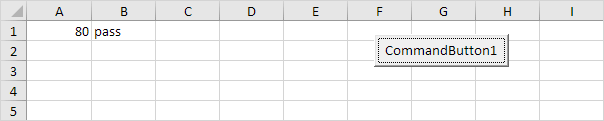
If score is less than 60, Excel VBA places the value of the empty variable result into cell B1.
Else Statement
Place a command button on your worksheet and add the following code lines:
score = Range(“A1”).ValueIf score >= 60 Then
result = “pass”
Else
result = “fail”
End If
Range(“B1”).Value = result
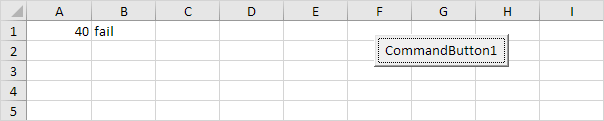
If score is greater than or equal to 60, Excel VBA returns pass, else Excel VBA returns fail.
Result when you click the command button on the sheet:
Only if you have one code line after Then and no Else statement, it is allowed to place a code line directly after Then and to omit (leave out) End If (first example). Otherwise start a new line after the words Then and Else and end with End If (second example).