Mastering Advance Tax Calculation and Compliance in Excel (FY 2026-27)
Under Section 208 of the Indian Income Tax Act, any assessee whose estimated net tax liability for the financial year exceeds ₹10,000 (after deducting TDS/TCS credits) is legally required to pay tax in quarterly installments. Missing these payment deadlines triggers penal interest under Section 234B and Section 234C at the rate of 1% per month.
In this article
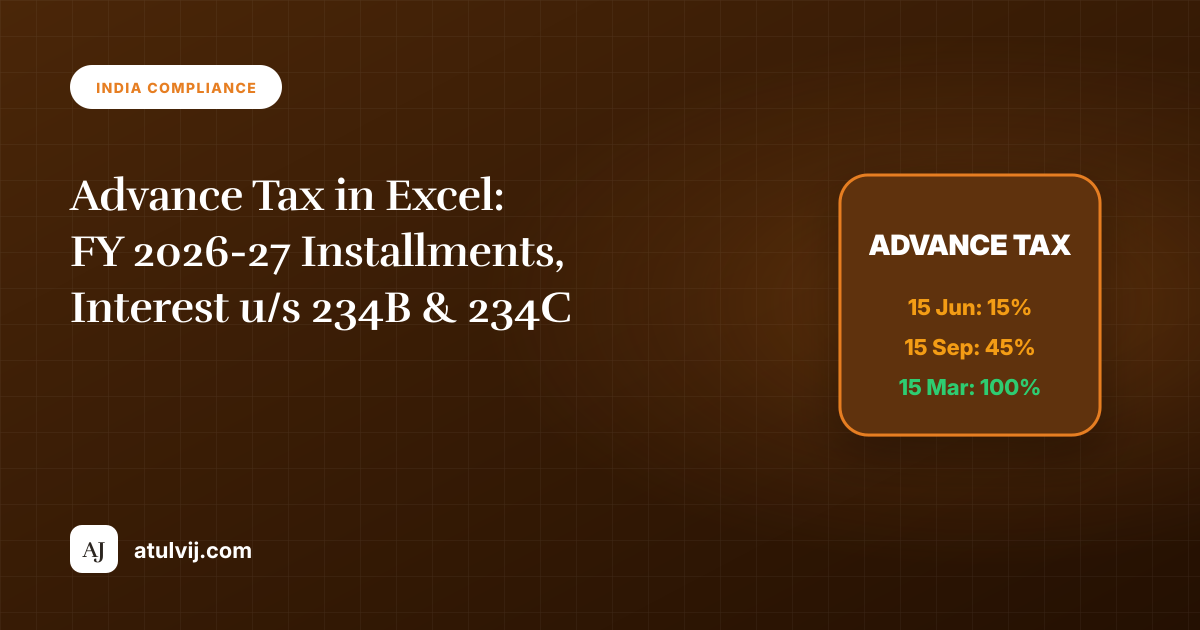
Statutory Advance Tax Payment Schedule (Corporate & Non-Corporate)
| Due Date | Cumulative Tax Payable | Section 234C Shortfall Trigger |
|---|---|---|
| 15th June | 15% of estimated net tax | Shortfall if paid < 12% of returned tax |
| 15th September | 45% of estimated net tax | Shortfall if paid < 36% of returned tax |
| 15th December | 75% of estimated net tax | Shortfall if paid < 75% of returned tax |
| 15th March | 100% of estimated net tax | Shortfall if paid < 100% of returned tax |
Automating Interest Calculations (Sections 234B & 234C) in Excel
To dynamically calculate interest under Section 234C in an accounts spreadsheet:
=LET(
    net_tax, Est_Gross_Tax - TDS_Credits,
    q1_paid, B2,
    q1_target, net_tax * 0.15,
    q1_shortfall, IF(q1_paid < (net_tax * 0.12), q1_target - q1_paid, 0),
    q1_interest, ROUNDDOWN(q1_shortfall, -2) * 0.01 * 3,
    q1_interest
)
Combine this logic with our free Income Tax Calculator and reference our TDS FY 2026-27 Deduction Guide to forecast year-end obligations accurately.
Build the workbook in four layers
- Inputs: estimated income, deductions, TDS/TCS, tax regime and payment dates.
- Tax calculation: keep slab calculations separate from credits and cess.
- Installments: calculate cumulative targets, then subtract payments already made.
- Control checks: compare the schedule with challans and the final return.
Use named cells such as NetTax, TDSCredit and PaidToDate rather than scattered hard-coded percentages. Tax rules can change, so label the assessment year and verify rates against the current Income Tax Department guidance before filing.
234B and 234C control checks
Section 234B generally concerns advance-tax shortfall at year end, while Section 234C concerns deferment of installments. The workbook should show the base, number of months, rate and rounding rule separately. Do not hide interest inside a single unexplained total. Compare the model to the tax computation and retain payment challan references beside each installment.
Practical testing
- Test a taxpayer with only salary and TDS.
- Test a late capital gain or bonus.
- Test a payment made on the due date and one made later.
- Recalculate after changing the tax regime.
This is an educational model, not filing advice. A tax professional should review unusual income, legal-entity, residency or return-filing cases.
Stuck on a step? Ask a question and the AI answers using this article.