Static Variables
Sometimes you want to retain the value of a variable in VBA when a procedure ends. You can achieve this by using the Static keyword.
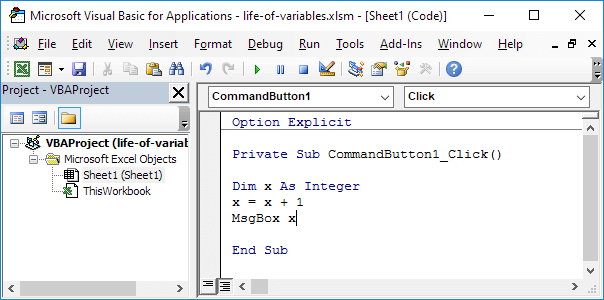
Result when you click the command button on the sheet:

Result when you click another time:

VBA destroys the variable when the procedure ends. Each time you click the command button on the sheet. VBA creates the variable x again, adds the value 1 to it and displays the result.
Now replace the keyword Dim with the keyword Static.
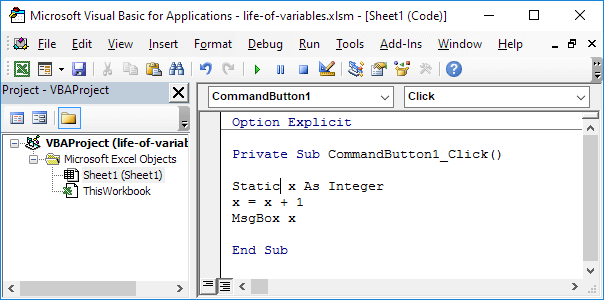
Result when you click the command button on the sheet:

Result when you click another time:
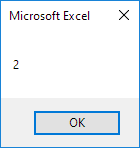
Static variables retain their values, even when a procedure ends. Static variables will be destroyed when you click the Reset/Stop button or when you close your workbook.
Stuck on a step? Ask a question and the AI answers using this article.