Skip to content

Popular topics

ExcelExcel VBAPower Query & PivotsExcel for FinanceAutomationSAP & OracleCodingAI & MLTech tipsWacky World

Recent posts

  • Basics of VBA / Macros Chapter – 51 (Time and Date Part-8)
  • Loan Amortization Schedule in Excel with Extra Payments: Step-by-Step Template & Formulas
  • Excel Month-End Financial Close: Step-by-Step Checklist, Reconciliation Formulas & Template
  • Excel #N/A Error in VLOOKUP and XLOOKUP: 5 Fixes That Actually Work
  • Building Autonomous Multi-Agent Workflows with LangGraph: State, Nodes & Conditional Routing
  • Evaluating Enterprise RAG Systems in Python: Context Precision, Faithfulness & Hallucination Benchmarks

🤯 Wacky fact of the day · Human Body

Your body replaces most of your red blood cells every few months.

Red blood cells live about 100–120 days. Your bone marrow makes millions of new ones every second to replace them.

Why? How? →Source ↗

AJ's Techie & Wacky World

Excel, SAP, Oracle & automation tips — plus wacky facts

Skip to content
  • ✨ AI Helper
  • 🎓 Courses
  • Excel & Office
    • Charts & Dashboards
    • Excel 365 & Dynamic Arrays
    • Excel for Finance
    • Excel for India
    • Excel Formulas
    • Excel Functions A–Z
    • Excel VBA
    • Formula Combos
    • Power BI & DAX
    • Power Query & Pivots
    • Python in Excel
    • Google Workspace
    • Outlook
    • PowerPoint
    • Word
  • Coding
    • Cloud & Servers
    • Dev Tools
    • Java
    • JavaScript
    • PowerShell
    • Python
    • R
    • Rust
    • SQL
    • VBA to Python Migration
  • Automation
    • AutoHotkey
    • Automation Basics
    • Office Scripts
    • Power Automate
    • Python Automation
    • SAP GUI Scripting
  • AI & ML
    • AI Agents & RAG
    • AI Agents & Workflows
    • AI Tools
    • Build Your Own LLM
    • Deep Learning
    • LLMs
    • Machine Learning
    • Prompt Engineering
    • Vibe Coding
  • ERP
    • Essbase
    • Oracle EPM Cloud
    • Oracle Smart View
    • SAP
    • Tally & Busy
    • Tax & Compliance
  • Tech Tips
    • Internet & Browser
    • Phone
    • Security & Privacy
    • Windows
    • Work Smarter
  • Wacky World
    • Fun Facts
    • History
    • Science
    • All Wacky Facts
  • Tools
    • Formula Lab
    • VBA Playground
    • Macro Recorder
    • VBA Challenges
    • SQL Playground
    • Shortcut Trainer
    • Date & Workday Calculator
    • EMI & SIP Calculator
    • Income Tax: Old vs New
    • GST Calculator
    • Regex Tester
  • About
    • Projects
    • Contact

Excel VBA

Step-by-step VBA lessons and ready-to-use macros.

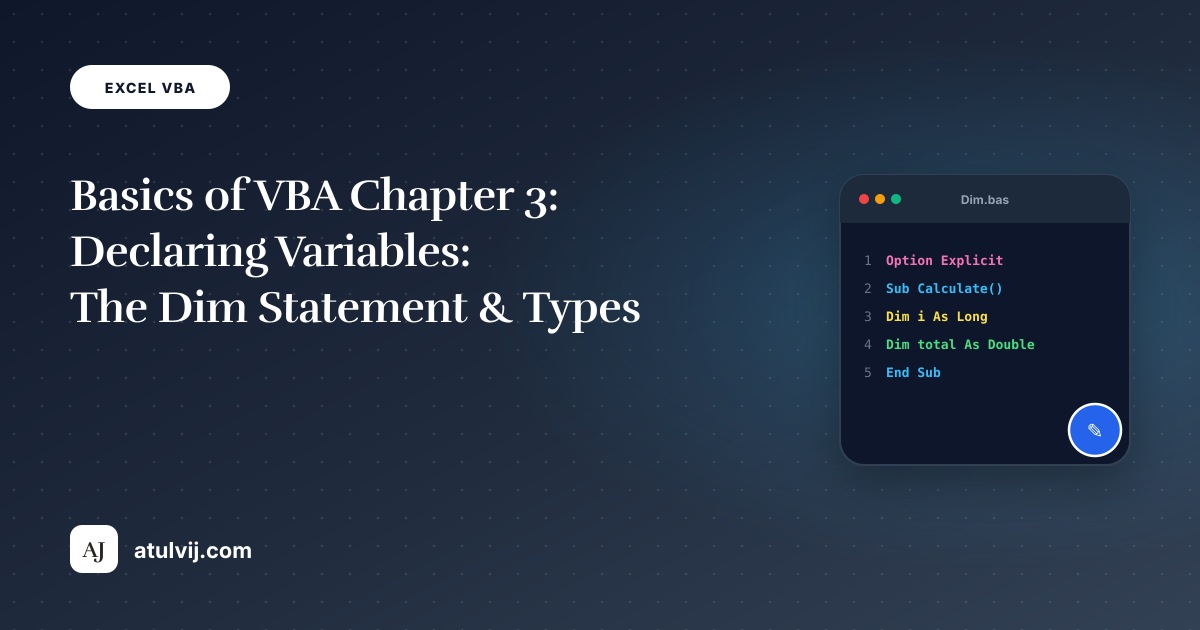
Basics of VBA / Macros Chapter – 3 (Declaring Variables Part-1)

Basics of VBA / Macros Chapter – 3 (Declaring Variables Part-1) featured illustration

30 Oct 2026 · Excel VBA · 2 min read

Basics of VBA / Macros Chapter – 3 (Declaring Variables Part-1)

Here we learn how to declare, initialize and display a variable in Excel VBA. To tell that we are using a variable is called…

Read article →
30 October 2026 by Atul Vij Excel VBA

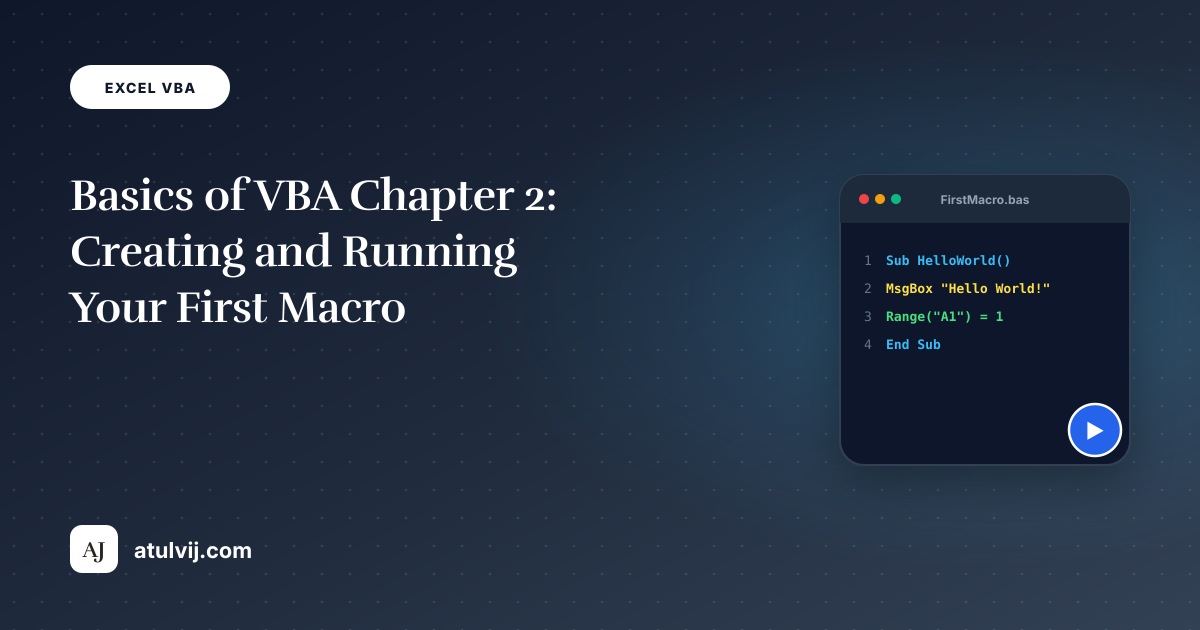
Basics of VBA / Macros Chapter – 2 (Creating Macro)

Basics of VBA / Macros Chapter – 2 (Creating Macro) featured illustration

29 Oct 2026 · Excel VBA · 2 min read

Basics of VBA / Macros Chapter – 2 (Creating Macro)

With VBA you can automate tasks in Excel by writing so called macros. We will learn how to create a simple macro which will be…

Read article →
29 October 2026 by Atul Vij Excel VBA

Basics and Abbreviations of VBA / Macros Chapter – 1

Basics and Abbreviations of VBA / Macros Chapter - 1

28 Oct 2026 · Excel VBA · 2 min read

Basics and Abbreviations of VBA / Macros Chapter – 1

VBA full form is Visual Basic for Applications. It is the programming language of Excel and other Office programs. Points to be learned for…

Read article →
28 October 2026 by Atul Vij Excel VBA

VBA Plus / Macros Chapter – 1 (Swap Values – 1)

VBA Plus / Macros Chapter – 1 (Swap Values – 1) featured illustration

27 Oct 2026 · Excel VBA · 1 min read

VBA Plus / Macros Chapter – 1 (Swap Values – 1)

This example teaches you how to swap two values in Excel VBA. You will often need this structure in more complicated programs

Read article →
27 October 2026 by Atul Vij Excel VBA Leave a comment

VBA Project: Generate PDF Invoices From Excel and Email Them Automatically

VBA Project: Generate PDF Invoices From Excel and Email Them Automatically featured illustration

17 Aug 2026 · Excel VBA · 3 min read

VBA Project: Generate PDF Invoices From Excel and Email Them Automatically

A complete VBA project: fill an invoice template from a data sheet, export each invoice to PDF with a proper file name, and email…

Read article →
17 August 2026 by Atul Vij Excel VBA Leave a comment

Run-time Error 1004 in Excel VBA: 7 Common Causes and How to Fix Them

Run-time Error 1004 in Excel VBA: 7 Common Causes and How to Fix Them

28 Jul 2026 · Excel VBA · 3 min read

Run-time Error 1004 in Excel VBA: 7 Common Causes and How to Fix Them

Run-time error 1004 is Excel VBA’s catch-all error. Here are the 7 causes I see most often — with the exact fix for each.

Read article →
28 July 2026 by Atul Vij Excel VBA

5 Ways to Find the Last Row in Excel VBA (and When Each One Fails)

5 Ways to Find the Last Row in Excel VBA (and When Each One Fails)

14 Jul 2026 · Excel VBA · 3 min read

5 Ways to Find the Last Row in Excel VBA (and When Each One Fails)

Five ways to find the last used row in Excel VBA — End(xlUp), UsedRange, Find, CurrentRegion and ListObject — with the traps each one…

Read article →
14 July 2026 by Atul Vij Excel VBA Leave a comment

Automate SAP from Excel: Run a Report and Export It with SAP GUI Scripting

Automate SAP from Excel: Run a Report and Export It with SAP GUI Scripting

13 May 2026 · Excel VBA · 2 min read

Automate SAP from Excel: Run a Report and Export It with SAP GUI Scripting

Step-by-step: enable SAP GUI Scripting, record a transaction, and run it from Excel VBA to export a report automatically.

Read article →
13 May 2026 by Atul Vij Excel VBA, SAP GUI Scripting Leave a comment

VBA: Loop Through Every File in a Folder (and Combine Them)

VBA: Loop Through Every File in a Folder (and Combine Them) featured illustration

25 Mar 2026 · Excel VBA · 2 min read

VBA: Loop Through Every File in a Folder (and Combine Them)

Process every file in a folder with VBA: Dir loops, picking a folder with FileDialog, opening workbooks quietly, copying data into a master sheet…

Read article →
25 March 2026 by Atul Vij Excel VBA Leave a comment

VBA Collections and Dictionaries: Unique Lists, Counts and Fast Lookups

VBA Collections and Dictionaries: Unique Lists, Counts and Fast Lookups featured illustration

15 Mar 2026 · Excel VBA · 4 min read

VBA Collections and Dictionaries: Unique Lists, Counts and Fast Lookups

Excel VBA course lesson 14: when to use a Collection or a Scripting.Dictionary, build unique lists, count and total by key, look up values…

Read article →
15 March 2026 by Atul Vij Excel VBA Leave a comment

VBA UserForms for Beginners: Build a Data-Entry Form Step by Step

VBA UserForms for Beginners: Build a Data-Entry Form Step by Step featured illustration

14 Mar 2026 · Excel VBA · 4 min read

VBA UserForms for Beginners: Build a Data-Entry Form Step by Step

Excel VBA course lesson 13: design a UserForm, fill combo boxes from a sheet, validate inputs, write a new row to a table, and…

Read article →
14 March 2026 by Atul Vij Excel VBA Leave a comment

VBA Events: Macros That Run by Themselves (Worksheet_Change and More)

VBA Events: Macros That Run by Themselves (Worksheet_Change and More) featured illustration

13 Mar 2026 · Excel VBA · 4 min read

VBA Events: Macros That Run by Themselves (Worksheet_Change and More)

Excel VBA course lesson 12: Workbook_Open, Worksheet_Change, SelectionChange and BeforeSave events — timestamps when a cell is edited, auto-uppercase codes, validation, and how to…

Read article →
13 March 2026 by Atul Vij Excel VBA Leave a comment

Post navigation

← Older posts
Newer posts →
Proudly powered by WordPress | Theme: fiore by Caroline Moore.
© 2026 Atul Vij · AJ’s Techie & Wacky World
AboutProjectsFree ToolsContactPrivacyDisclaimerGitHub
Did you know?

Why? →